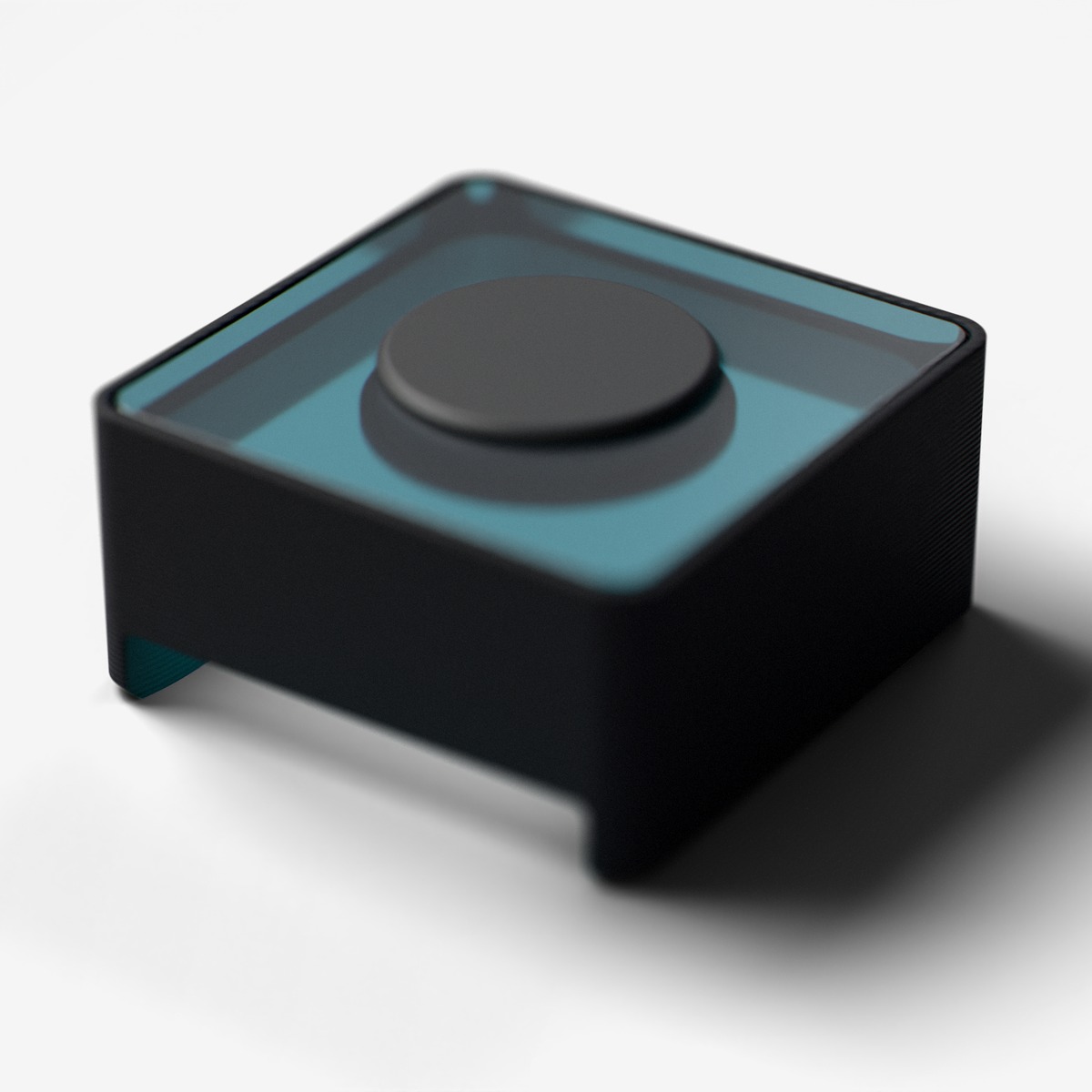
Button
Push button with blue indicator light and debouncing
Push button with hardware debouncing and a built-in blue indicator light for visual feedback. Detects press, release, and hold events.
For ages 14 and up. Not a toy. Contains small parts: choking hazard. Keep away from children under 3. Adult supervision recommended.
Made by Atech ApS, Lille Strandstræde 6A, st. th., 1254 København K, Denmark.
Technical specifications
- Part
- Button
- Interface
- Digital
- Ports
- 1 port
- Current
- ~20 mA
- Size
- 19.5 x 19.5 x 10 mm
Pins
- 3.3V
- supply
- GND
- ground
- Data A
- switch, active low (pressed = LOW)
- Data B
- RGB indicator LED (V2.0 only)
Key features
- Hardware debouncing
- Blue indicator light for visual feedback
- Press, release, and hold detection
Common applications
Technical
Button
Button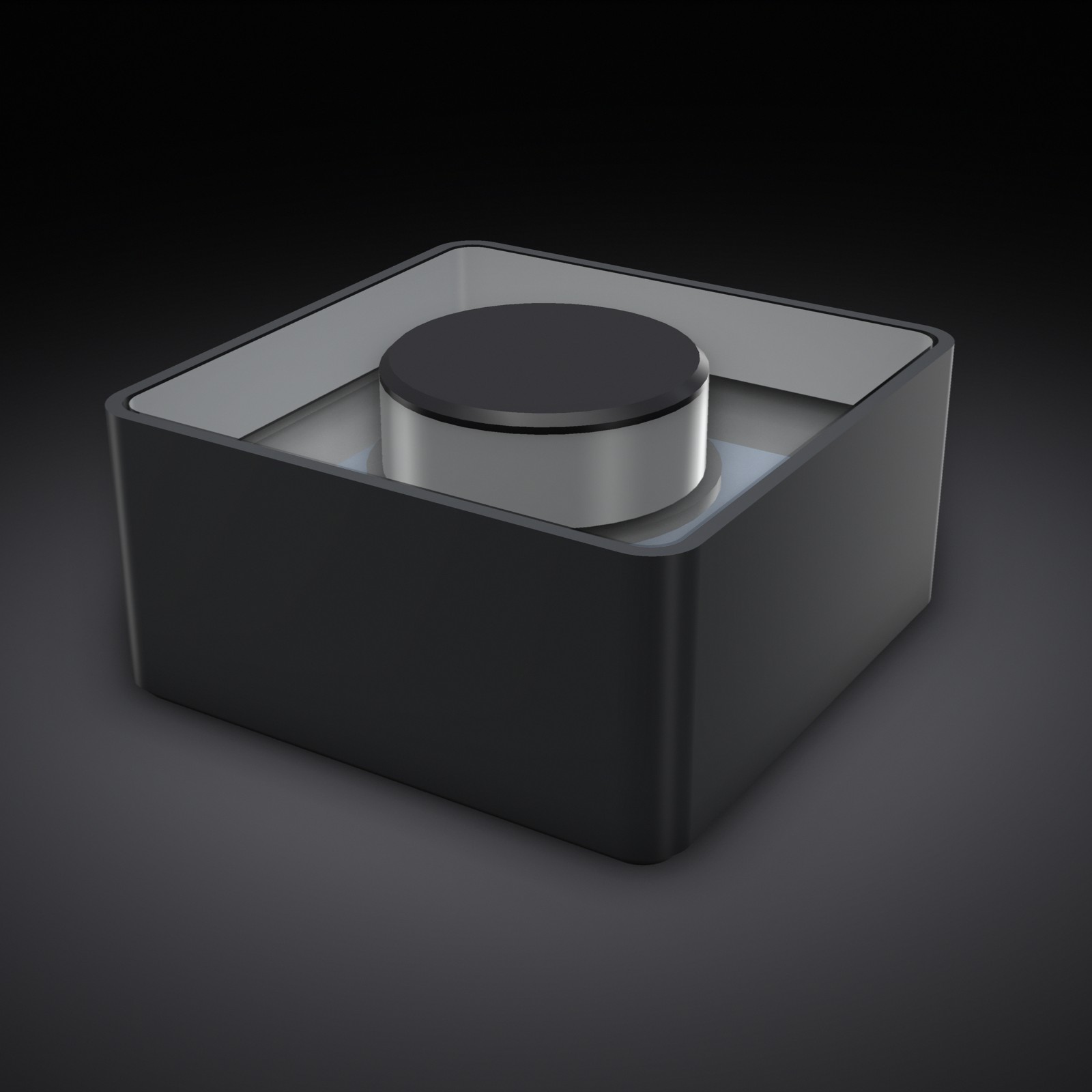
Single momentary switch on Data A, active low (pressed = LOW); Data B drives the V2.0 RGB indicator. Edge detection only, no software debounce in the driver.
is_pressedCheck if button is currently pressedboolwas_pressedCheck if button was just pressed (edge detection)boolwas_releasedCheck if button was just released (edge detection)bool
BUTTON MODULE:
- You MUST call button.update() at the START of every loop iteration before checking wasPressed()/wasReleased().
  Without update(), edge detection will NEVER trigger and wasPressed() always returns false.
- wasPressed() is edge-triggered: it returns true ONCE per press. Do NOT use in while() loops.
- For hold detection, use isPressed() (level-triggered) instead.
- The driver does NOT debounce in software: update() reports every level change it samples
  (button.cpp: "no software debounce - hardware capacitor handles it"), and the doc's
  "Debouncing: In driver" row is not what the shipped source does. Contact bounce slower than
  your loop is reported as extra presses. Measured 2026-09-14: one
  press bouncing at 20 ms spacing produced three wasPressed() edges, so a toggle written as
  `if (wasPressed()) on = !on;` can end where it started. For any toggle/count driven by
  wasPressed(), ignore a press edge that arrives within ~40 ms of the last accepted one
  (millis() timestamp), and only redraw outputs when the state actually changed.
- Button instance names use PORT numbers (e.g., button_2 means port 2), NOT sequential indices.
  If only button_2 and button_5 exist, there is NO button_1, button_3, button_4, or button_6.
A big round indicator that flashes the accent color for ~300ms on each press event, with a press counter beneath ('Presses: 42'). For projects with multiple buttons, render one indicator + counter per button keyed by the event key.
| Pin | Line | Dir | Function |
|---|---|---|---|
| 1 | HV | – | not connected |
| 2 | 5V | – | not connected |
| 3 | 3.3V | input | supply |
| 4 | GND | – | ground |
| 5 | Data A | output | switch, active low (pressed = LOW) |
| 6 | Data B | input | RGB indicator LED (V2.0 only) |
from p2p/ground_truth/hardware/prototyping_line/modules/button.md
The doc for this module names no separate part. It is passive or discrete hardware, so there is no chip datasheet to read.