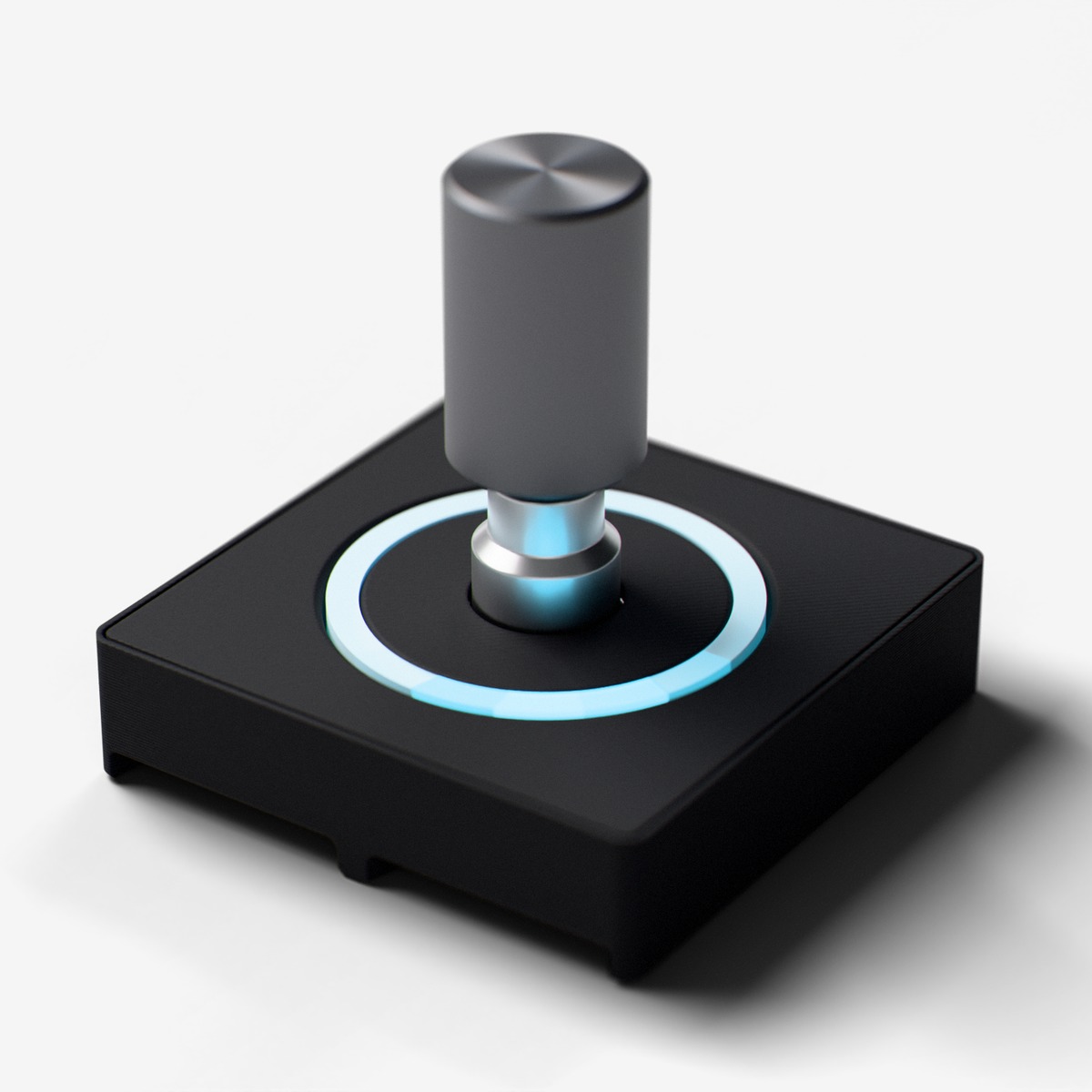
Module Specification
Knob
Rotary encoder knob with push-button switch and LED indicator ring
Description
Rotary encoder knob with 18 click-steps, push-button switch, and 6-LED multi-color indicator ring. Turn to scroll or adjust values, press to confirm.
For ages 14 and up. Not a toy. Contains small parts: choking hazard. Keep away from children under 3. Adult supervision recommended.
Made by Atech ApS, Lille Strandstræde 6A, st. th., 1254 København K, Denmark.
Technical Specifications
- Part:
- Rotary Encoder Knob
- Interface:
- Digital
- Ports:
- 2 neighbouring ports
- Current:
- ~125 mA
- Size:
- 39.5 x 39.5 x 38.1 mm
- Chip:
- EC11 (generic (Bourns/ALPS-compatible))
Pins
- 3.3V (first port)
- supply
- GND (first port)
- ground
- Data A (first port)
- encoder CLK (channel A)
- Data B (first port)
- encoder DT (channel B)
- 3.3V (second port)
- supply
- GND (second port)
- ground
- Data A (second port)
- button switch, active low
- Data B (second port)
- NeoPixel ring data
Key Features
- →18 click-step rotary encoder
- →Push-button switch
- →6-LED multi-color indicator ring
- →Smooth tactile feedback
Common Applications
Technical
Knob
Rotary Encoder Knob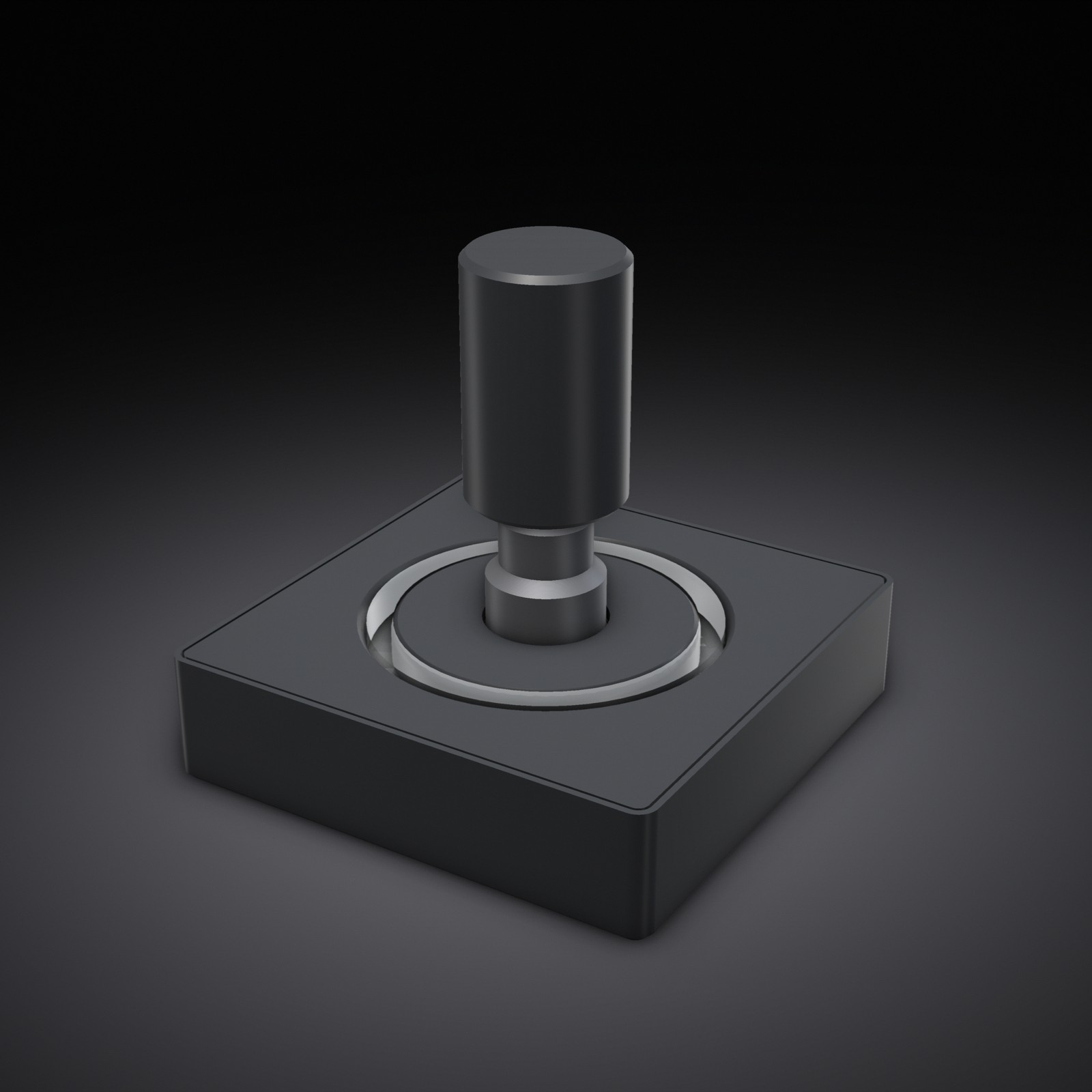
Rotary encoder knob with 15 click-steps, push-button switch, and 12-LED NeoPixel indicator ring. Turn to scroll/adjust values with tactile clicks, press down to confirm. The ring automatically shows the knob position with a smooth glow/trail effect (default white, configurable). Best for menus, parameter tuning, and navigation. Use this when the user asks for a 'knob', 'dial', 'encoder', or 'scroll wheel'. Double module spanning two adjacent ports: CLK on Line A1, DT on Line B1, button (SW) on Line A2, NeoPixel ring data on Line B2.
getPositionGet cumulative rotation position as int32_t (increments/decrements with each step)int stepssetPositionSet position to a specific value: setPosition(int32_t pos)resetPositionReset position counter to zerogetDirectionGet direction of last rotation: 1=CW, -1=CCW, 0=noneintwasRotatedCWCheck if knob was rotated clockwise since last checkboolwasRotatedCCWCheck if knob was rotated counter-clockwise since last checkboolisPressedCheck if knob button is currently pressed (press down on knob)boolwasPressedCheck if knob button was just pressed (edge detection)boolupdateSample encoder, poll button, and refresh the ring - MUST call once per loop iteration. Encoder counts in hardware (PCNT); this call reads the count and repaints the ring.setAccelerationConfigure acceleration: setAcceleration(bool enabled, int maxMultiplier=5). Enabled by default. Slow turns = 1 step, fast spins = up to maxMultiplier steps per click.enableRingEnable or disable the LED indicator ring: enableRing(bool enabled). Ring is enabled by default.setRingColorSet ring indicator color: setRingColor(uint8_t r, uint8_t g, uint8_t b). Default is white (255,255,255).setRingBrightnessSet ring global brightness: setRingBrightness(uint8_t brightness). 0-255, default ~50.setRingPositionManually override ring position: setRingPosition(float pos). 0.0-12.0 maps around the physical ring (CCW from 12 o'clock). Pass negative to re-couple to knob position.
ROTARY ENCODER KNOB:
- MUST call update() once per loop iteration. It samples the encoder, polls
  the button, AND refreshes the LED ring. Nothing updates without it.
- The encoder is decoded by the hardware pulse counter (PCNT), so no steps
  are EVER missed, even if the loop is briefly busy (display push, other
  LEDs). But the position + ring only advance when update() runs, so call it
  every loop and keep the loop moving.
- getPosition() returns cumulative int32_t. Use change detection: if (pos != lastPos).
- wasRotatedCW()/wasRotatedCCW() are edge-triggered: they return true once per step.
- wasPressed() is edge-triggered for the push button. isPressed() is level-triggered.
- LED ring auto-indicates knob position. Customize with setRingColor(r, g, b).
- setRingColor/setRingBrightness/setRingPosition stage the change; it appears
  on the next update() call (so keep calling update() each loop).
- MAX 4 KNOBS: each claims one of the ESP32-S3's 4 hardware PCNT units. A 5th
  knob will not track (it logs a warning at begin()).
- LOOP RESPONSIVENESS: the ring is rendered inside update() (not a background
  task), so a SHORT loop delay (2-5ms) keeps both the ring and any other
  outputs (grid, screen, motor) snappy. A 15-20ms delay makes the ring and
  colors visibly lag a fast spin. The encoder COUNT is never lost regardless
  (PCNT), but the visible refresh rate follows your loop.
A circular dial gauge that rotates with incoming knob events, with the numeric value in the center. When the knob's press event fires, briefly pulse the dial ring (e.g. flash to accent color for 200ms).
| Pin | Line | Dir | Function |
|---|---|---|---|
| 1 | HV | – | not connected |
| 2 | 5V | – | not connected |
| 3 | 3.3V | input | supply |
| 4 | GND | – | ground |
| 5 | Data A | output | encoder CLK (channel A) |
| 6 | Data B | output | encoder DT (channel B) |
| Pin | Line | Dir | Function |
|---|---|---|---|
| 7 | HV | – | not connected |
| 8 | 5V | – | not connected |
| 9 | 3.3V | input | supply |
| 10 | GND | – | ground |
| 11 | Data A | output | button switch, active low |
| 12 | Data B | bidirectional | NeoPixel ring data |
from p2p/ground_truth/hardware/prototyping_line/modules/knob.md
EC11EC11J1525492generic (Bourns/ALPS-compatible)no single datasheet published