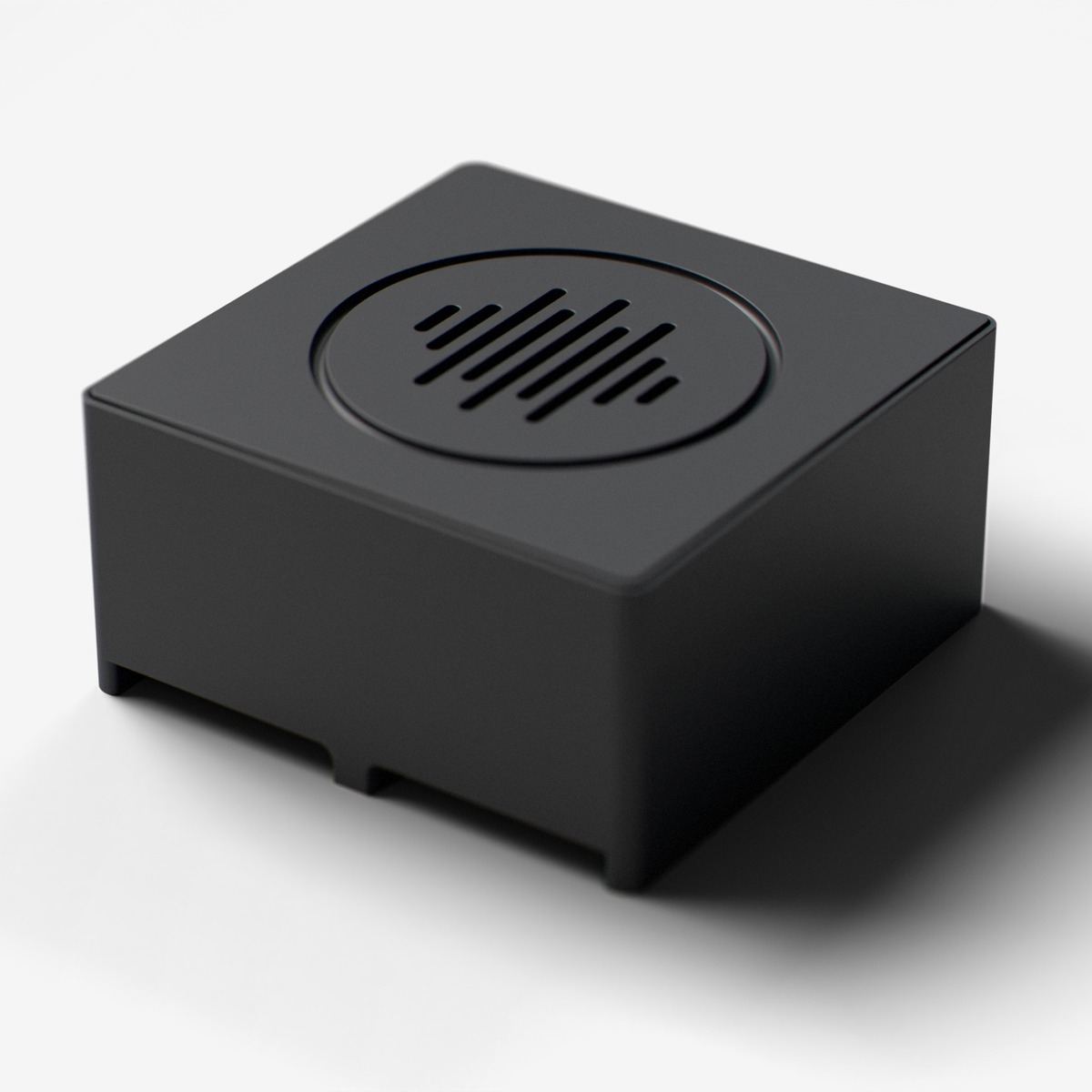
Speaker
I2S digital audio amplifier for playing tones and melodies
Digital audio amplifier module with MAX98357A for playing tones, melodies, and audio. 3W Class D amplifier with I2S digital input.
For ages 14 and up. Not a toy. Contains small parts: choking hazard. Keep away from children under 3. Adult supervision recommended.
Made by Atech ApS, Lille Strandstræde 6A, st. th., 1254 København K, Denmark.
Technical specifications
- Part
- I2S Speaker (MAX98357A)
- Interface
- Digital
- Ports
- 2 neighbouring ports
- Current
- ~200 mA
- Size
- 40 x 40 x 20.2 mm
- Chip
- MAX98357A (Analog Devices (Maxim))
Pins
- 3.3V (first port)
- supply
- GND (first port)
- ground
- Data A (first port)
- LRCLK, left/right clock
- Data B (first port)
- BCLK, bit clock
- 3.3V (second port)
- supply
- GND (second port)
- ground
- Data B (second port)
- DIN, audio data
Key features
- 3W Class D amplifier
- Digital I2S input
- Built-in DAC
Common applications
Technical
Speaker
I2S Speaker (MAX98357A)
I2S audio amplifier for tones, melodies, and streamed MP3/audio playback. Double module spanning two adjacent ports: LRCLK on Line A1, BCLK on Line B1, DIN on Line B2. Uses MAX98357A 3W Class D amp. MP3/audio files are decoded on the host (browser via Web Serial, or app via WebSocket) into 16 kHz mono PCM and streamed to the device as play_pcm chunks, so no on-device MP3 decoder needed.
play_tonePlay a tone at given frequency for a duration (blocking)play_notePlay a musical note with automatic gap between notesplay_rtttlPlay an RTTTL melody string (non-blocking, plays in background)restPlay silence for a durationstopStop any sound immediatelyset_volumeSet volume level (0.0 to 1.0)write_samplesWrite raw 16-bit mono audio samples directly to I2S output (for streaming from microphone)play_pcmPlay a base64-encoded chunk of 16-bit mono PCM streamed from the host. The browser/app decodes the MP3, resamples to 16 kHz mono, and sends play_pcm chunks. The firmware just forwards each chunk to the I2S DAC. This is how the device plays MP3/WAV/audio files, with no on-device decoder needed.
SPEAKER MODULE (I2S MAX98357A):
- DEFAULT TO MELODIES, NOT BARE TONES. Almost every feedback sound (jump, click, hit,
  success, error, warning, threshold-crossed, …) should be a SHORT 2–4 NOTE SEQUENCE
  via playNote(), not a single playTone() call. A bare sustained tone is the most
  common cause of "weird static / annoying high-pitch noise" complaints.
    // Good: short success motif:
    speaker.playNote(NOTE_C5, 90);
    speaker.playNote(NOTE_E5, 90);
    speaker.playNote(NOTE_G5, 120);
    // Good: short error motif:
    speaker.playNote(NOTE_E4, 120);
    speaker.playNote(NOTE_C4, 180);
- playTone(frequency, duration_ms) plays a single sine wave for duration_ms then auto-
  stops (non-blocking). New calls reset the timer. duration_ms <= 0 means "play until
  stop()". Only use that for sustained sweeps or held notes; never as a one-shot
  feedback default.
- playNote(frequency, duration_ms) plays one note with a 15% silence gap, perfect for
  sequencing melodies. Chained calls AUTO-QUEUE (FIFO, depth 16), so back-to-back
  `playNote(C5,90); playNote(E5,90); playNote(G5,120);` plays a real melody with NO
  delay() needed between calls. Use NOTE_REST (=0) for a pause: playNote(NOTE_REST,200).
  Call speaker.stop() to interrupt and clear the queued notes.
- playChord(freqs[], n, duration_ms) plays up to 6 simultaneous frequencies for
  duration_ms then auto-stops. Use this for chords (e.g. C-E-G triad), layered notes,
  or "multiple buttons held = polyphony" patterns. Stacking playTone() calls in one
  loop iteration just overwrites the previous frequency; the user hears only the last
  one.
- playRTTTL(rtttlString) plays an RTTTL melody, non-blocking, plays in background.
  RTTTL strings look like: "name:d=4,o=5,b=140:c,e,g,2c6". Just pass the const char*.
  Prefer this for anything called a "tune", "jingle", "ringtone", "song", or "melody".
- Use NOTE_C4..NOTE_B5 (≈260–990 Hz) as the comfortable default range. Notes above
  NOTE_C6 (1047 Hz) get piercing; NEVER pass a raw freq above 2000 Hz to playTone().
  Stick to one common scale (C major or A minor), no random Hz values.
- Use NOTE_C4, NOTE_D4, etc. constants for musical notes (defined as globals).
- setVolume(0.0–1.0) controls output level. Always call speaker.setVolume(0.4f) in
  setup(). 1.0 (the constructor default) clips on the MAX98357A and is uncomfortably
  loud. Reserve 0.8+ for explicitly user-requested "loud"/"alarm" behaviour.
- For mic-to-speaker passthrough: use speaker.writeSamples(buffer, length).
- NEVER call tone() or noTone(); those are Arduino built-ins that don't work with I2S.
- CRITICAL: DO NOT PLAY SOUNDS ON BOOT. setup() must NEVER call speaker.playTone(),
  speaker.playNote(), speaker.playChord(), or speaker.playRTTTL() (unless the user has
  explicitly requested an auto-play boot melody). At most setup() may call a single
  short blip (playTone(880, 50)) as a "ready" indicator, and only if the user asked for
  audible feedback. A device that screams a tone every time it boots is the #1 complaint
  from users. Never do this by default.
- IMPORTANT: Do NOT play sounds continuously in a loop; this creates an annoying constant noise.
  Only play sounds in response to events (button press, sensor threshold, timer, incoming action).
  Use if-guards, cooldown timers, or state flags to prevent repeated triggering.
  For example: if (triggered && !alreadyPlayed) { speaker.playTone(440, 200); alreadyPlayed = true; }
- Cap individual tone durations at ≤ 2000 ms unless the user explicitly asked for a
  sustained tone. A playTone(440, 60000) call is almost always a bug: it locks the audio
  task into a one-minute sine wave that the user can't easily stop. For "play until X
  happens" patterns, use playChord (which honors live updates / stop()) and call
  speaker.stop() from the same code path that satisfies X.
- When idle, the speaker should be SILENT. Never put playTone() directly in loop() without a guard.
- MP3 / AUDIO FILE PLAYBACK: the ESP32 cannot decode MP3 itself (no decoder library is shipped).
  Instead the host (browser via Web Serial, or app via WebSocket) decodes the MP3, resamples to
  16 kHz mono int16 PCM, and streams it as a sequence of {"action":"play_pcm","value":"<base64>"}
  messages. The firmware just calls speaker.playPCMBase64(value) inside its handleMessage handler
  for the "play_pcm" action: no extra setup, no buffering on the device, no MP3 decoder. So when
  a user asks for "play a sound file / play an MP3 / stream audio", include the speaker module and
  wire up the play_pcm action; the rest is a host-side concern. Do NOT try to add ESP8266Audio,
AudioGeneratorMP3, ESP32-audioI2S, or any on-device MP3 decoder; they break the PlatformIO build.A row of preset sound buttons (e.g. beep / chime / alarm) that each dispatch a play action with a sound name. Add a volume slider that sends a volume action live as it moves, and an 'Is playing' indicator driven by state events. If the project uses MP3/audio file playback (play_pcm streaming from host), add an MP3 file picker + play/stop transport in the UI.
| Pin | Line | Dir | Function |
|---|---|---|---|
| 1 | HV | – | not connected |
| 2 | 5V | – | not connected |
| 3 | 3.3V | input | supply |
| 4 | GND | – | ground |
| 5 | Data A | input | LRCLK, left/right clock |
| 6 | Data B | input | BCLK, bit clock |
| Pin | Line | Dir | Function |
|---|---|---|---|
| 7 | HV | – | not connected |
| 8 | 5V | – | not connected |
| 9 | 3.3V | input | supply |
| 10 | GND | – | ground |
| 11 | Data A | – | not connected |
| 12 | Data B | input | DIN, audio data |
from p2p/ground_truth/hardware/prototyping_line/modules/speaker.md