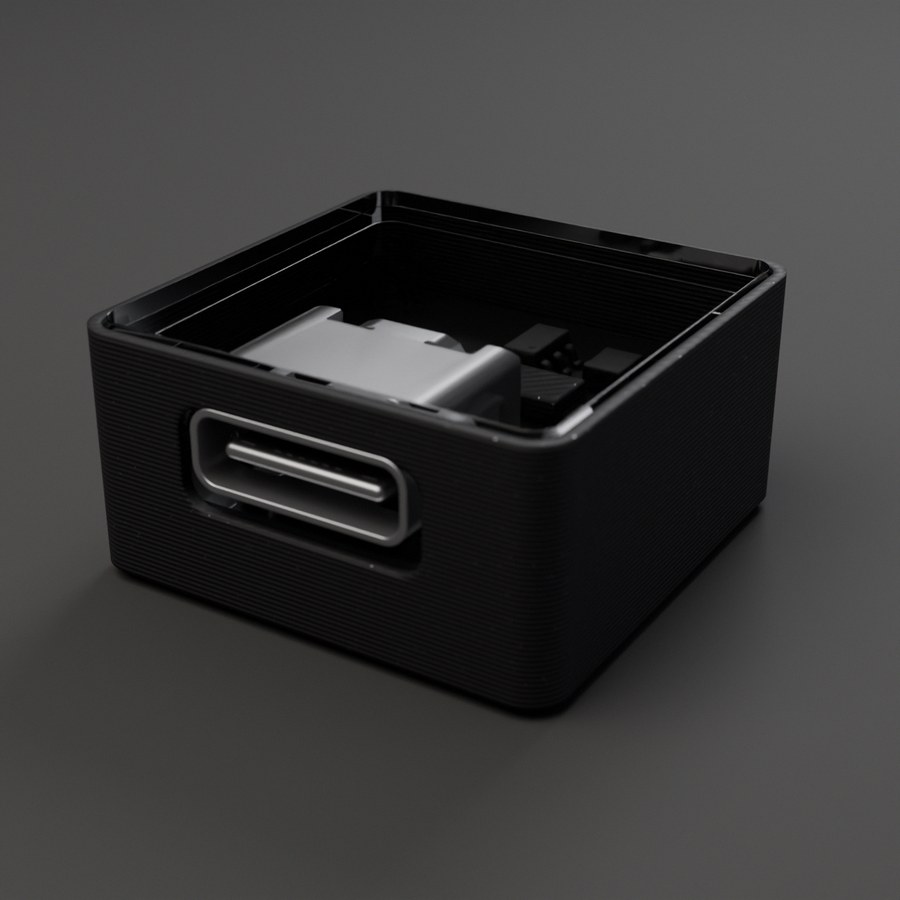
Module Specification
USB-C
Plug into the USB port on your motherboard to program it. Can also be used from any port to power your board.
Description
USB-C connector module for programming and power. To flash firmware, plug it into the dedicated USB port on your motherboard. You can also insert it into any other port to simply power your board from a USB-C cable.
Technical Specifications
- Interface:
- USB 2.0
- Voltage:
- 5V
- Current:
- Up to 3A
Key Features
- →USB-C reversible connector
- →Program via the USB port on the motherboard
- →Power from any port
- →No drivers needed
Common Applications
Firmware flashing
Board power supply
Data transfer
Firmware updates