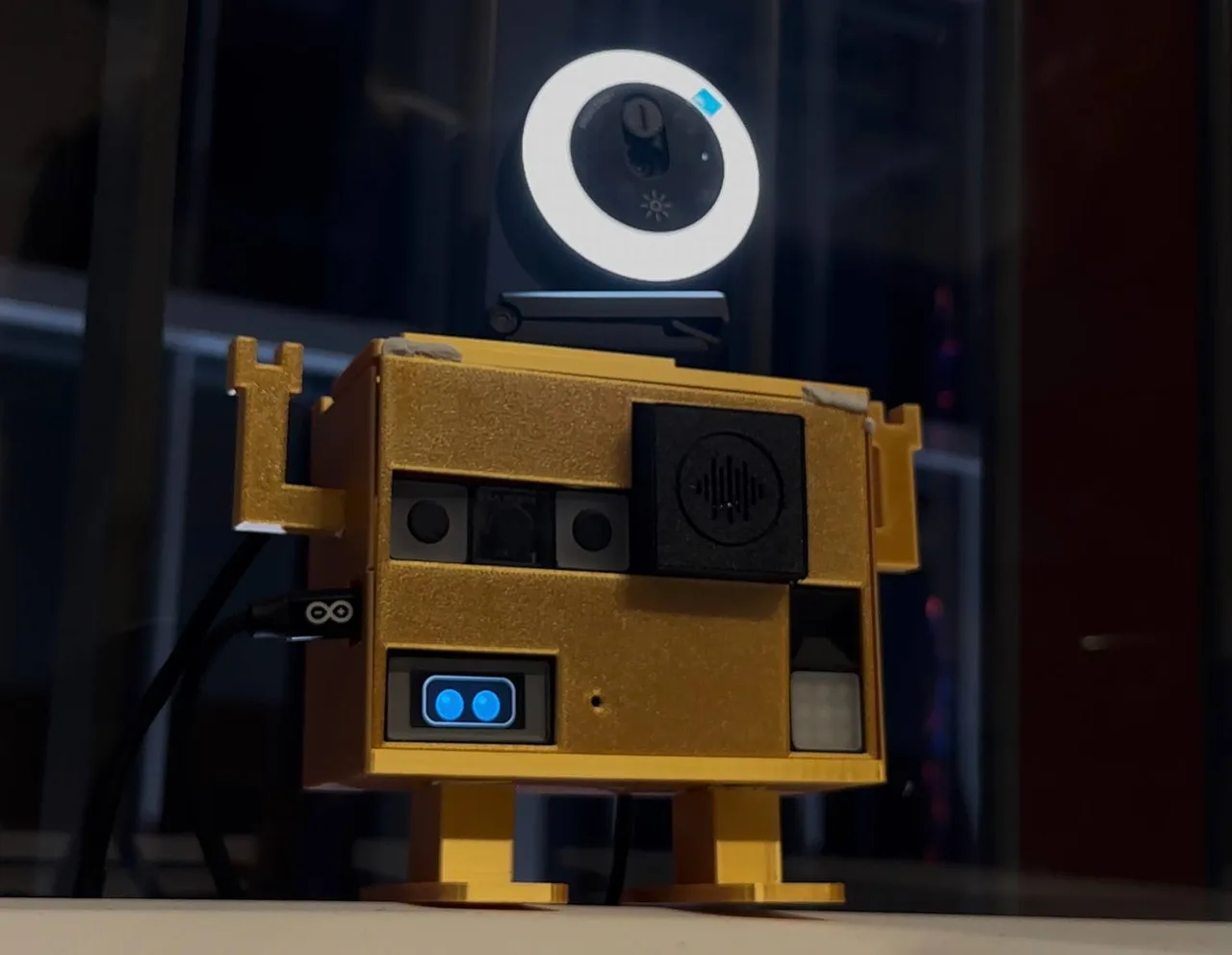
Prins
Hold a button, say what the sticker should say, and it prints.
Everything in this build comes in the Big Kit: $129.
- 14-Port Motherboard×1
- USB-C×1
- Microphone×1
- Screen×1
- Button×3
Smart Home · Wi-Fi · Bluetooth
What it does
Say what you want on a sticker or a post-it and it prints: food labels in a restaurant, name stickers for the kids, a reminder for the fridge.
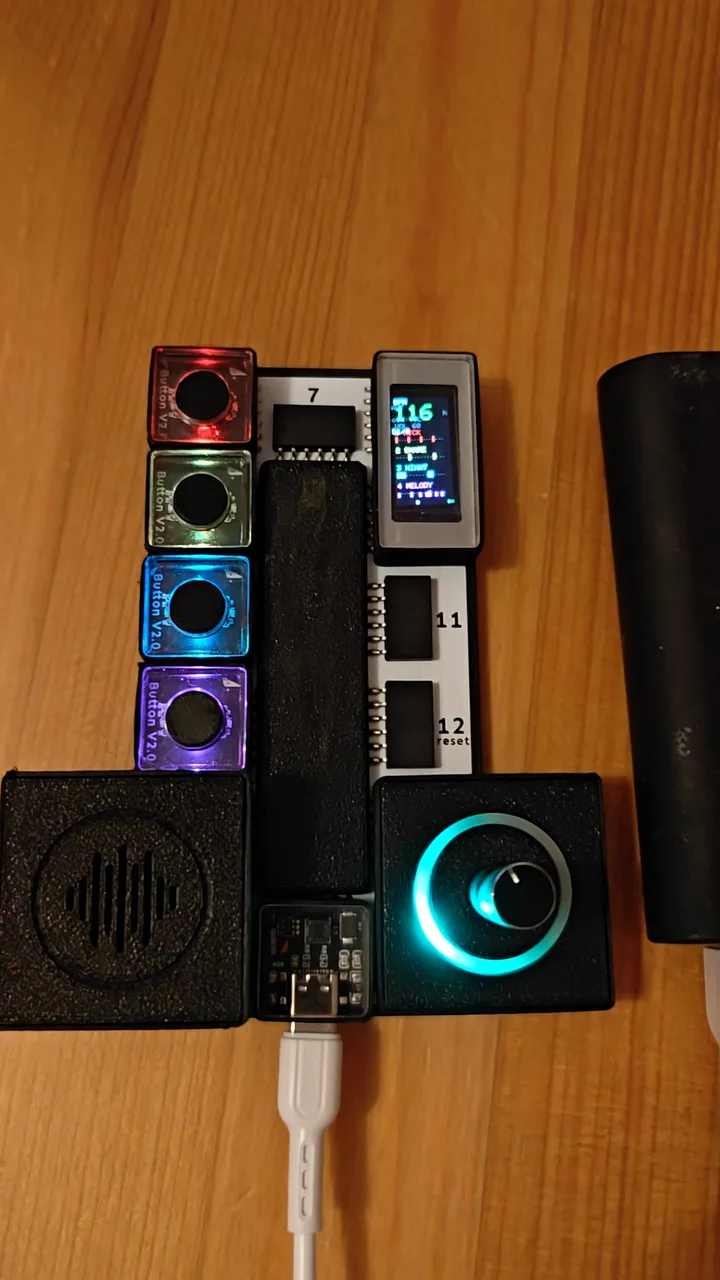
The board listens through the microphone and shows the label on the screen. A small label printer does the printing.
Built in one day at the Founders Hub x DNB hackathon in Trondheim.
How to build it
- 1Slide the microphone into ports 1 and 2.
- 2Slide the screen into ports 10 and 11.
- 3Slide the button into port 4.
- 4Slide the button into port 5.
- 5Slide the button into port 6.
- 6Slide the USB-C into port 8 and plug the cable into your computer.
- 7Press Build this: the editor writes the code and uploads it. Or take the finished code below.
On the board
- 1+2MicrophoneHears what the sticker should say
- 10+11ScreenShows the label
- 4ButtonRed
- 5ButtonWhite
- 6ButtonGreen: print
- 8USB-CPower and programming
The code
Open on GitHubgithub.com/henrikhaus/prins
Built by Henrik Hausberg, Anders Morille and Magnus Krogstad, Trondheim, 5 Nov 2026.