AI tamagotchi
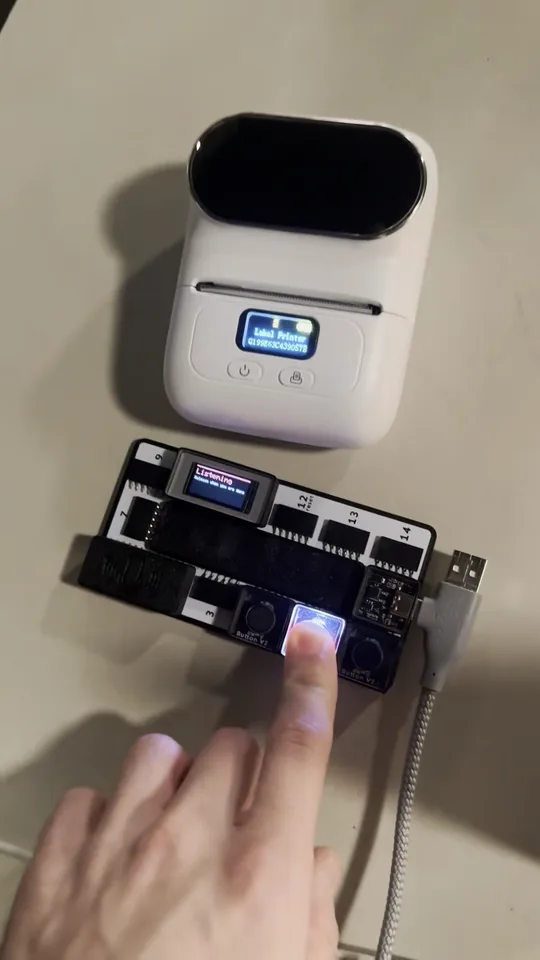
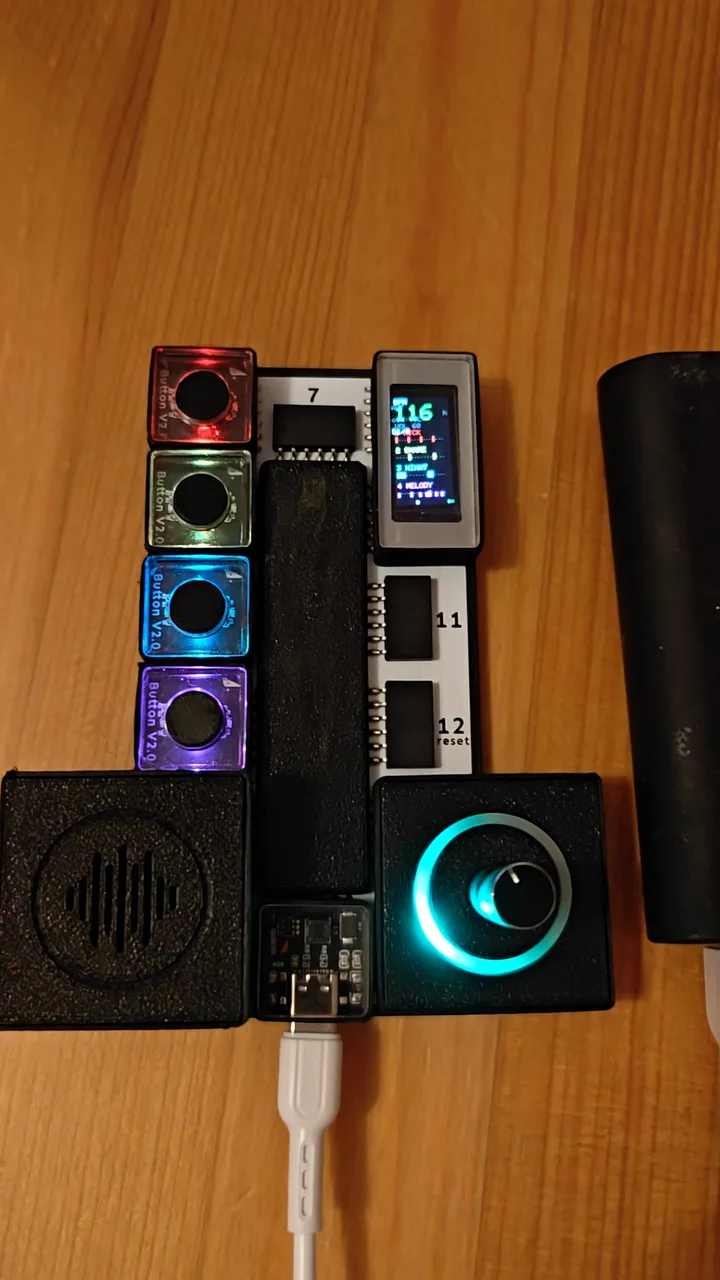
A pocket pet on the small board. It gets hungry, bored and tired, and two buttons keep it fed and happy. Hold the talk button, say something, and it answers out loud.
Every module in this build comes in the Big Kit, on the 14-port board: $129. The small board with just these parts: $120.
- 10-Port Motherboard×1
- USB-C×1
- Microphone×1
- Button×2
- Speaker×1
- Light Grid×1
- Screen×1
Smart Home · Wi-Fi · Bluetooth
What it does
Its food, joy and energy drain over time. Food runs out in about two hours, joy in about an hour and a half, energy in about three.
Tap the care button for a snack, tap the talk button to pet it. Five quick pets make it dizzy.
Hold the talk button and speak. Your words go to Claude, it answers in character, picks a face, and can act on what you said: say "here is a cookie" and it eats.
When it gets tired it falls asleep by itself. Hold the care button and the lights go out.
Without the laptop it still lives, eats and sleeps. It just cannot talk.
How to build it
- 1Slide the microphone into ports 1 and 2.
- 2Slide the button into port 3.
- 3Slide the speaker into ports 4 and 5.
- 4Slide the LED grid into port 6.
- 5Slide the screen into ports 7 and 8.
- 6Slide the button into port 9.
- 7Slide the USB-C into port 10 and plug the cable into your computer.
- 8Press Build this: the editor writes the code and uploads it. Or take the finished code below.
On the board
Front
- 1 + 2MicrophoneIts ears
- 3ButtonTalk: tap to pet it, hold to speak
- 4 + 5SpeakerIts voice
- 6LED gridFood, joy and energy as three columns of light
Back
- 7 + 8ScreenThe pet
- 9ButtonCare: tap to feed it, hold for lights out
- 10USB-CPower and programming
The code
Built by David Stålmarck.